The buyer's runbook for one Virtuoso SaaS Single Server on AWS.
If you can follow eight ordered steps, you can operate a production Virtuoso — purchased, provisioned, secured, and correctly billed.
Everything the buyer portal shows you — and everything it does not — in a single, ordered runbook.
It begins where every buyer must begin: the AWS Marketplace product page — never a bookmarked fulfillment URL, because the Marketplace supplies a one-time setup context only after a successful purchase.
Prices and offer terms shown in the guide are illustrative only. The live Marketplace offer is authoritative, and AWS Marketplace remains the billing authority that issues the invoice.
After the agreement is created, you bind one buyer portal account per buyer AWS account, wait for the instance to become running and healthy, and connect over Conductor, HTTPS SPARQL, and TLS SQL on port 1112.
Every buyer arrives with a different history. This connector matches your situation to the right entry into the AWS Marketplace offer — so you skip the preamble and start where you already are.
You are an existing customer that seeks a managed server edition of Virtuoso, combined with the experienced services capabilities we provide.
You have successfully evaluated the commercial edition using the free evaluation offers — and you are ready to commence a proof of concept, or you are already at the point of rollout.
You have successfully built a modern agentic solution — or revamped a struggling app or service — that now requires rollout to your customer base via the resilience offered by a cloud platform.
Skip a phase and the portal will tell you. Follow them in order and provisioning is a formality.
Sign in to the AWS account that will own and pay for the agreement. Review the live Marketplace offer — term, plan, taxes, metered overages, EULA, support, and renewal terms. Use an email address that will remain available, and keep the Marketplace tab open until the confirmation page offers Set up your account.
Open Virtuoso SaaS Single Server and choose View purchase options. Select the duration — 12, 24, or 36 months — then exactly one plan dimension for the required tier. Review usage-based charges, accept the terms and EULA, choose auto-renewal, and select Subscribe. Confirm tier, duration, price, tax, and renewal before subscribing.

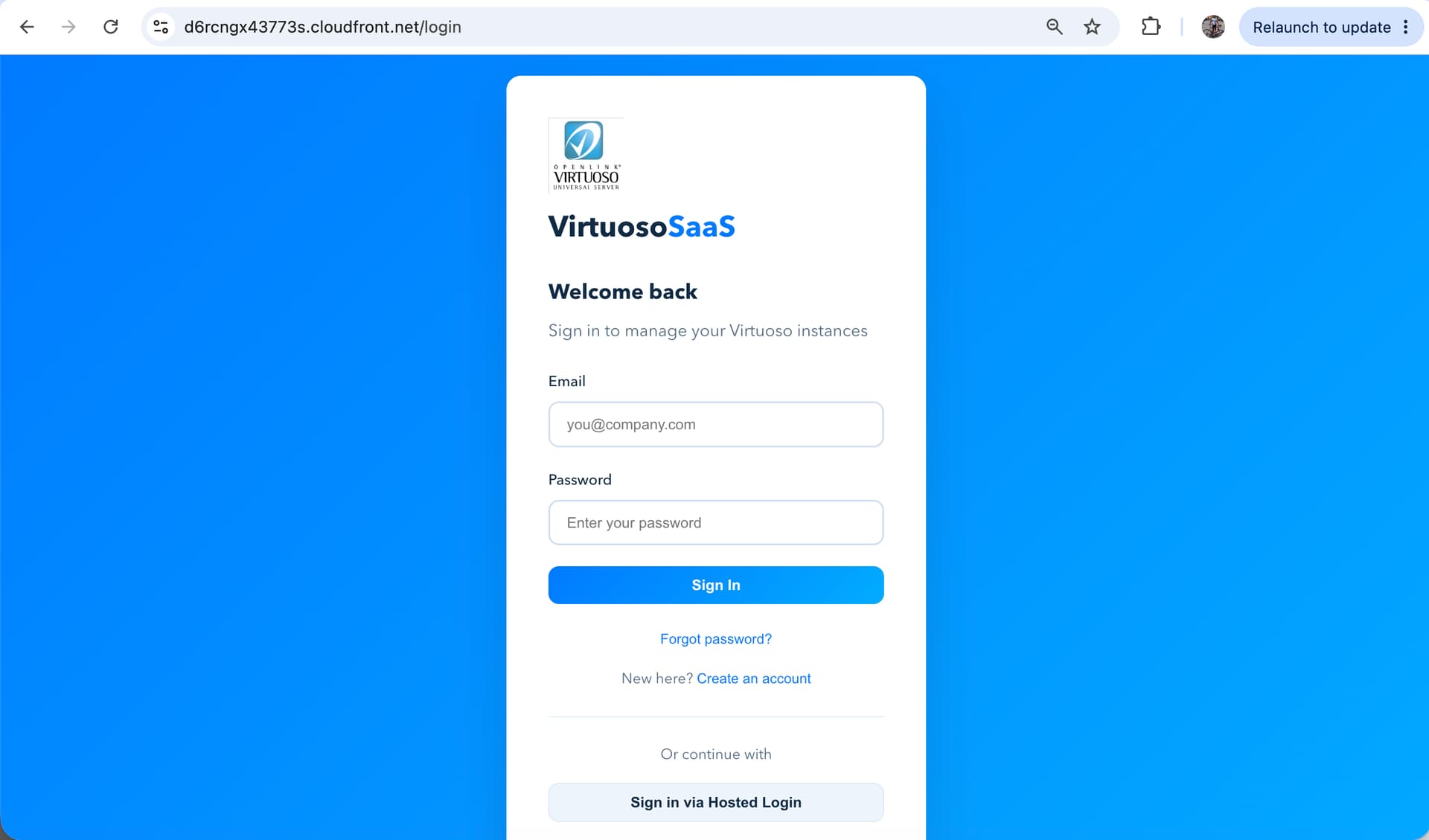
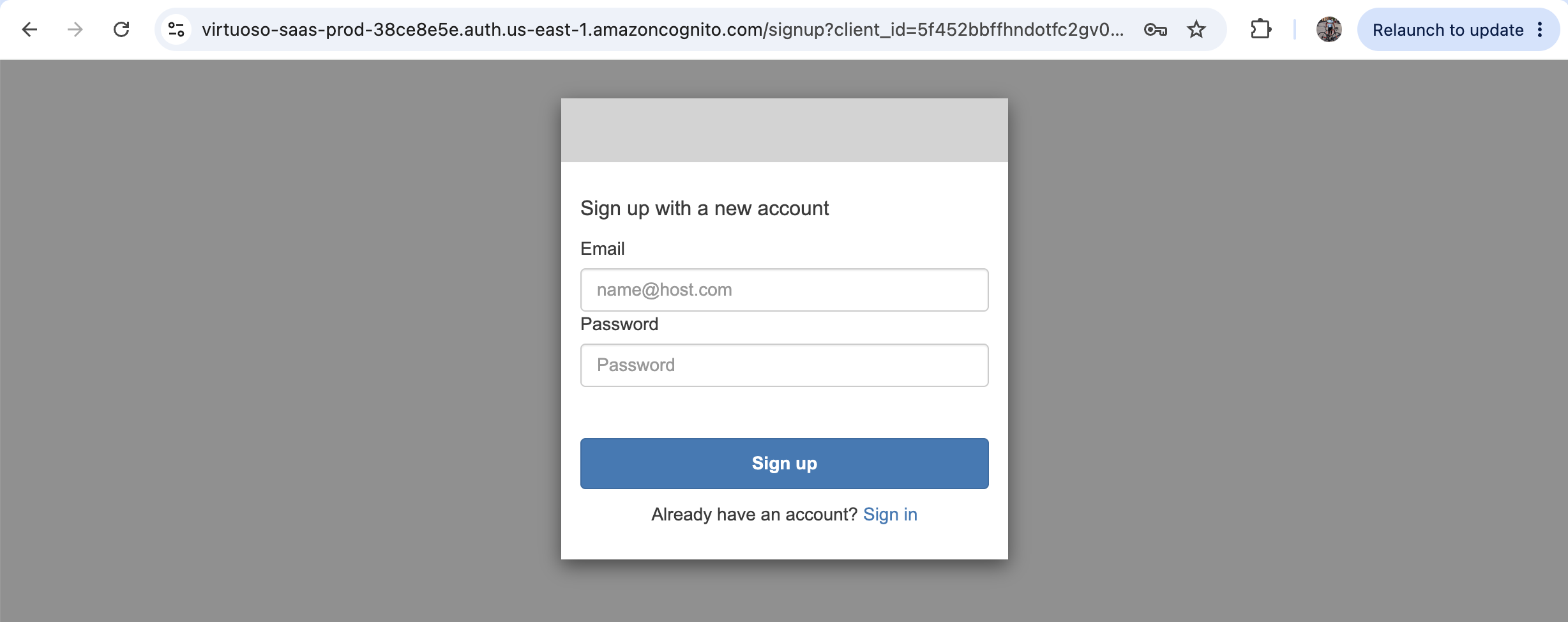
After confirmation, select Set up your account. AWS Marketplace opens the Virtuoso SaaS identity flow and binds the buyer context to the portal account. Sign in with an existing account, or Create an account and complete signup. Use one portal account per buyer AWS account.


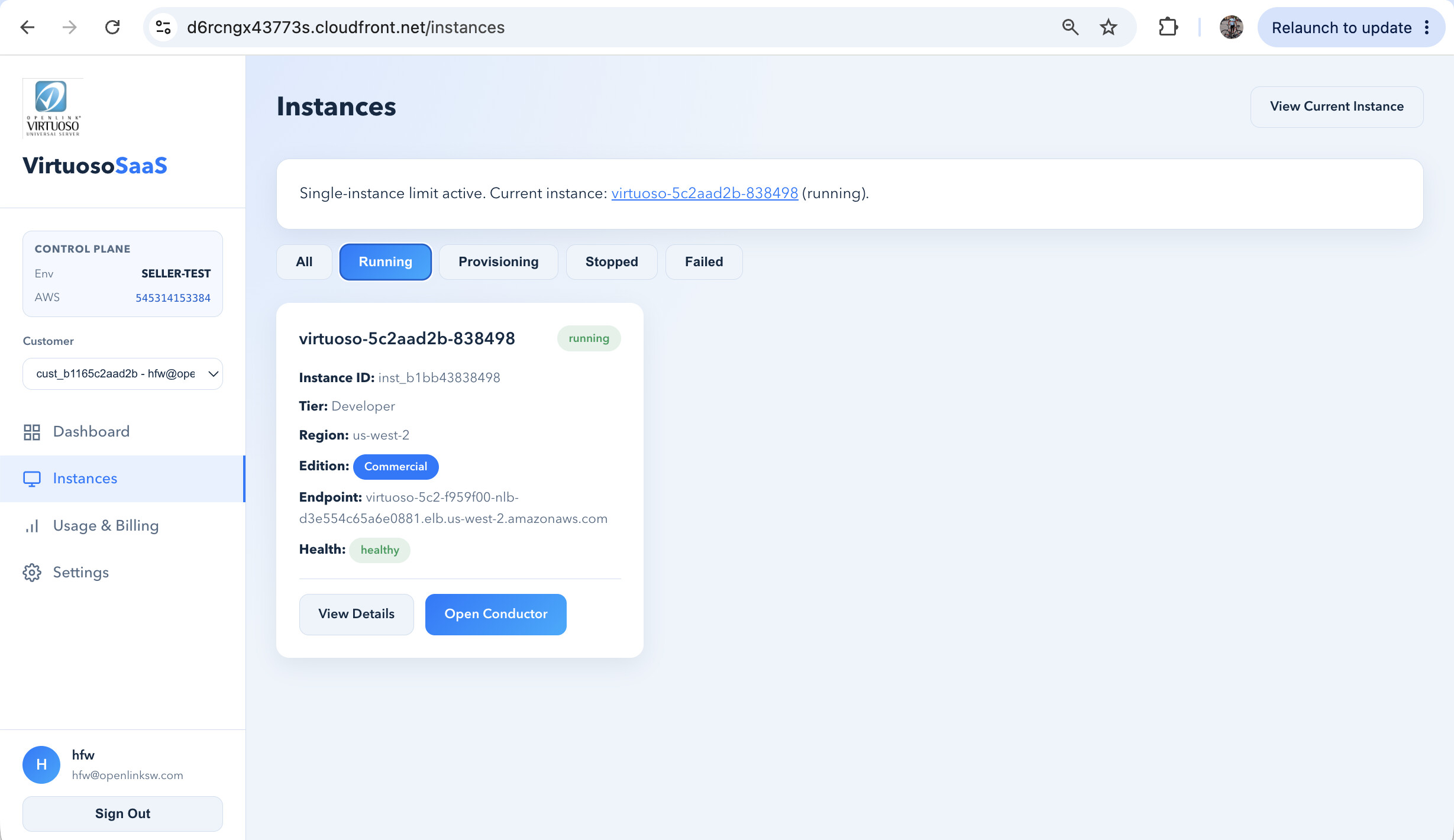
The portal creates one tenant instance per active subscription. Open Instances and wait for status running and health healthy. Provisioning takes several minutes — refresh the Instances page rather than repeating Marketplace setup.

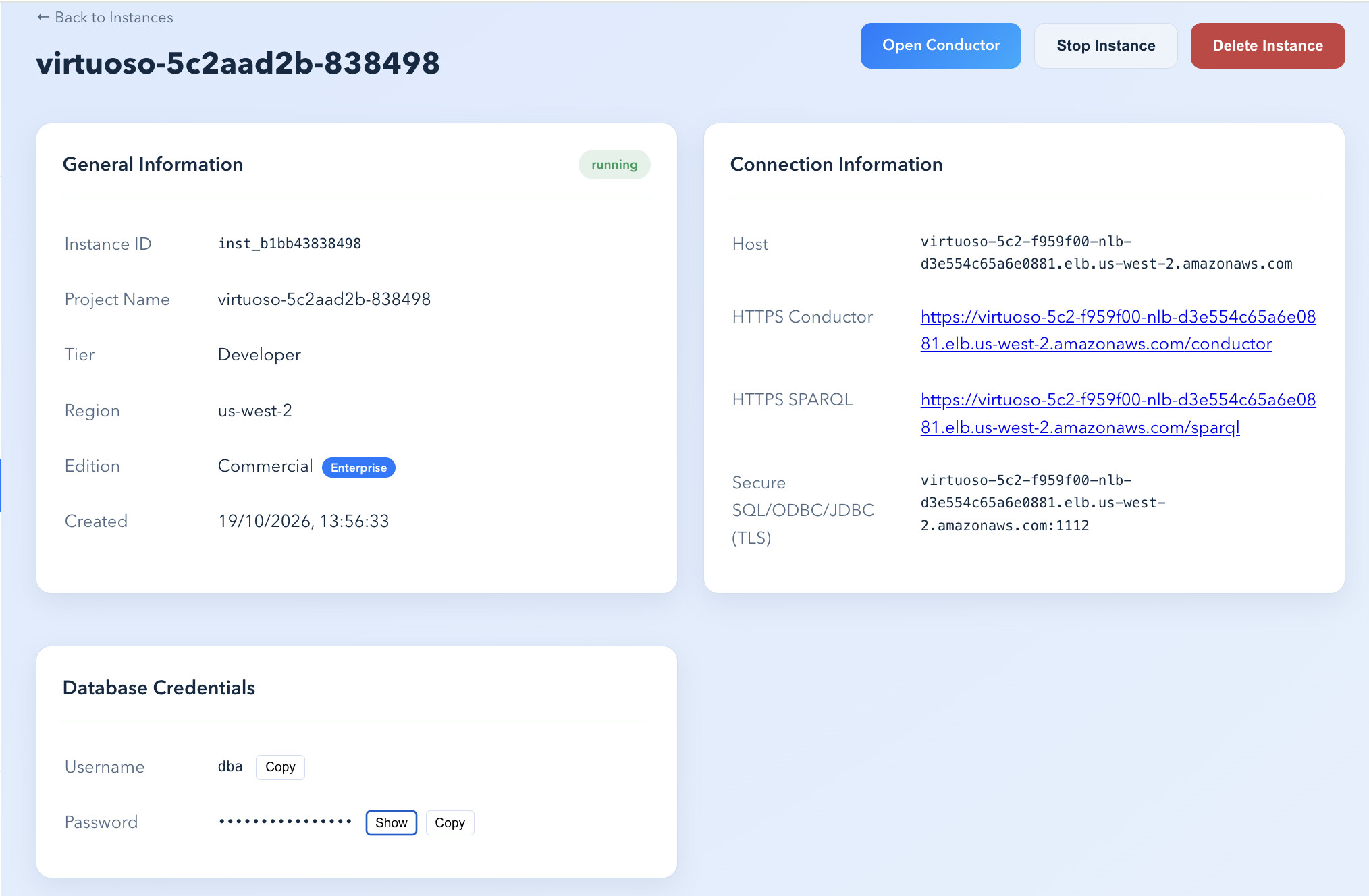
The instance detail page provides the endpoint values and database credentials. Open Conductor for browser administration and the HTTPS SPARQL link for the query editor, signing in with the dba username and the shown password. A simple first query:
SELECT * WHERE { ?s ?p ?o } LIMIT 10

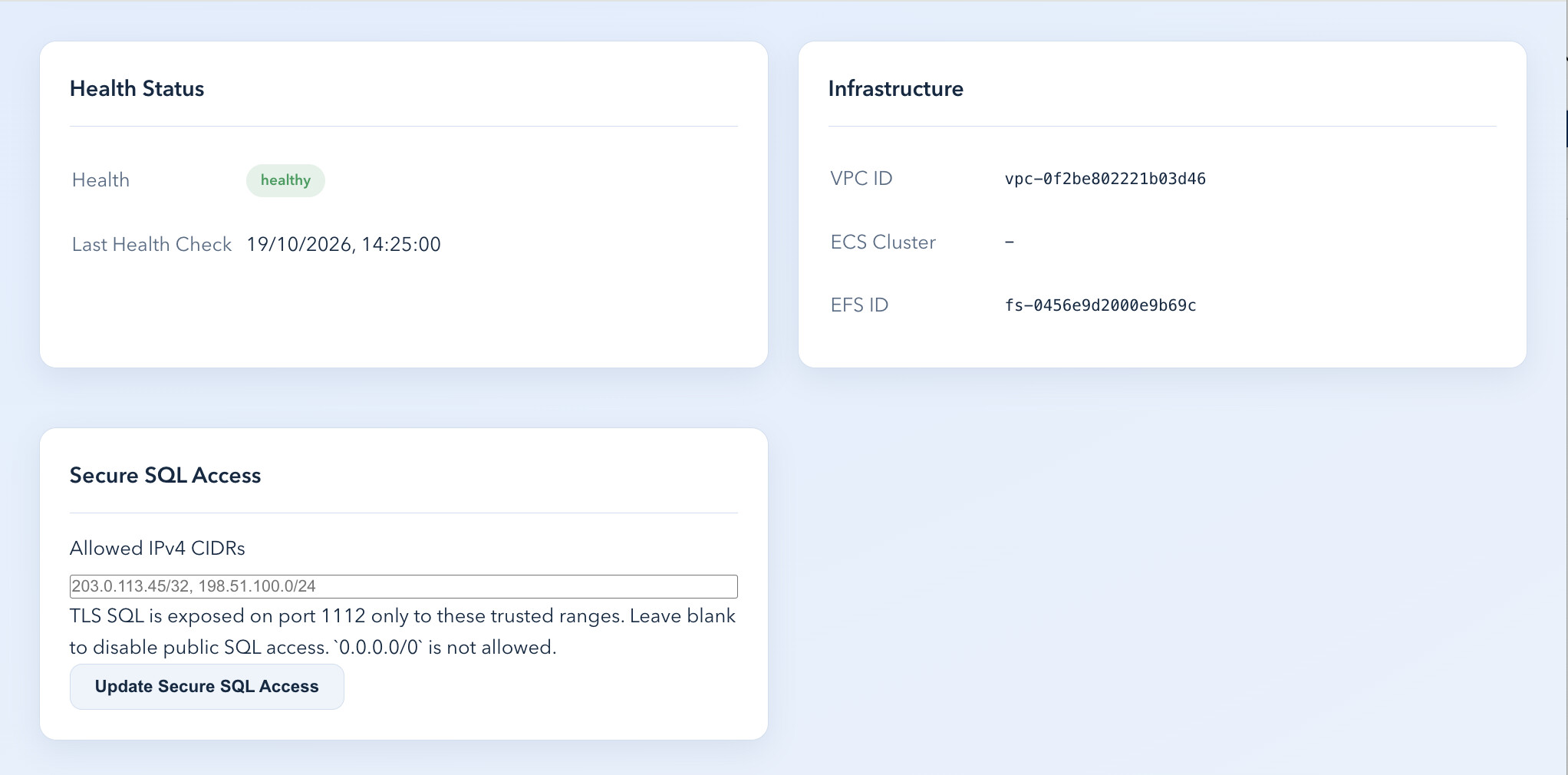
TLS SQL is closed by default. Enter only the trusted public IPv4 CIDR ranges permitted to connect to port 1112, then select Update Secure SQL Access. A single address uses /32 (e.g. 203.0.113.45/32); separate ranges with commas; leave the field empty to remove public access. 0.0.0.0/0 is not permitted.

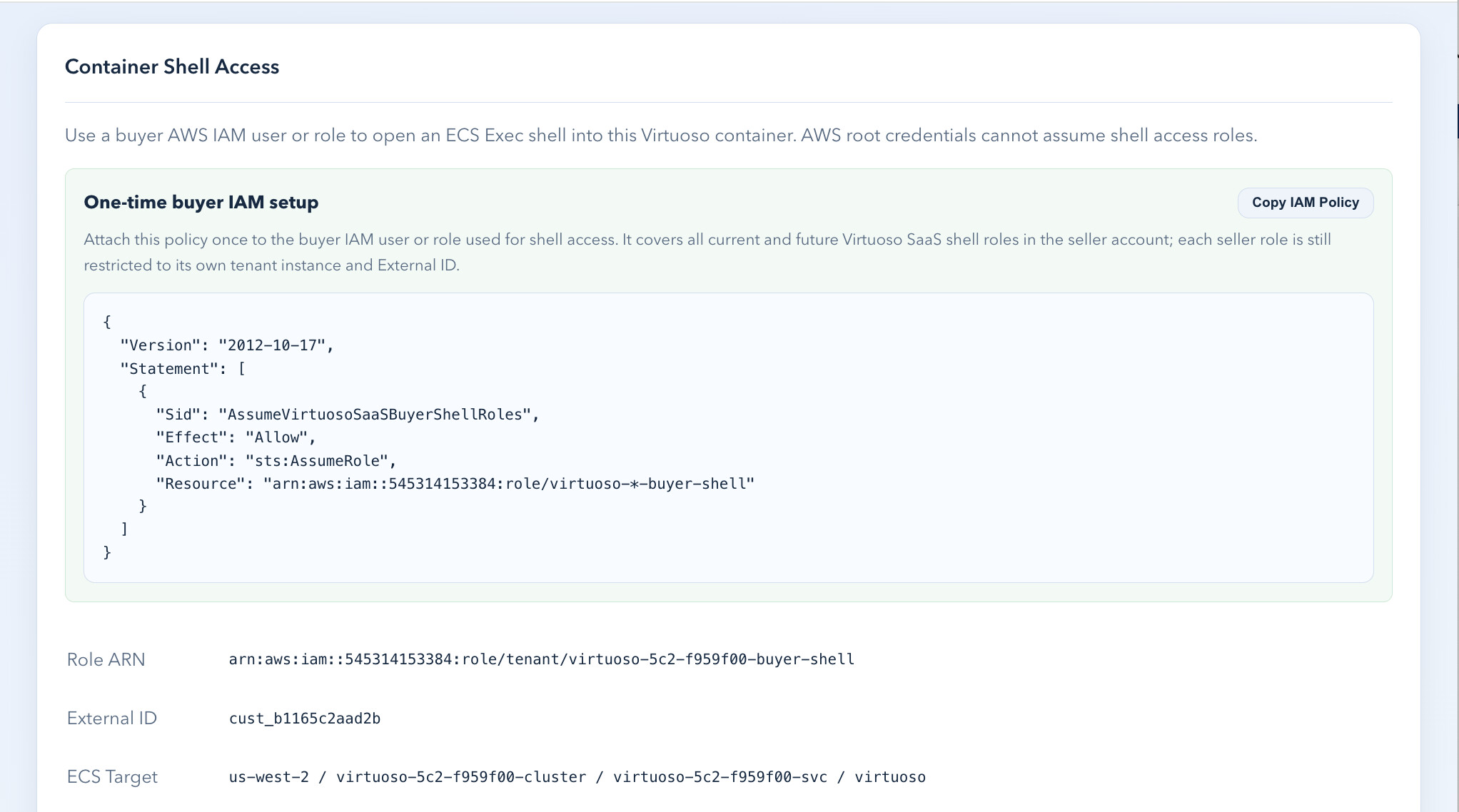
Use lifecycle controls to Stop, Start, and Delete the instance. Connect over TLS SQL with isql <hostname>:1112 -E dba and confirm with a status(); call. Access the container shell via the buyer-specific IAM policy, role ARN, external ID, and generated AWS CLI script, and follow the online backup and recovery runbook.

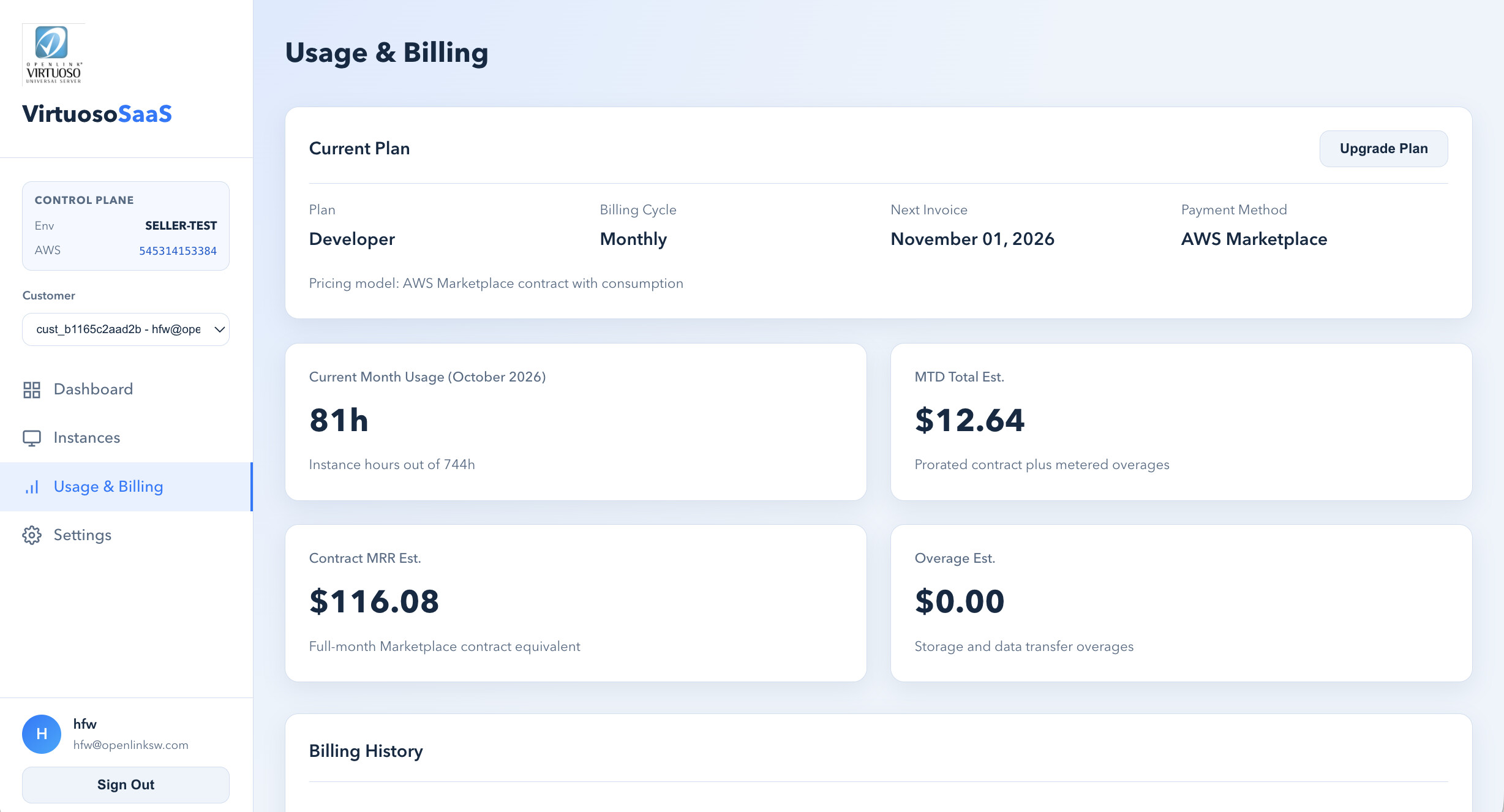
Review usage and billing in the portal, but remember AWS Marketplace is the billing authority and issues the invoice. Review your profile and agreement in Settings, manage auto-renewal in the Marketplace subscriptions console, and follow the agreement terms for cancellation, refund, or early termination.

Marketplace subscription completed for the intended buyer AWS account.
Buyer portal account created or signed in.
Instance status is running and health is healthy.
Conductor and SPARQL endpoint links respond.
TLS SQL works from an explicitly allowed CIDR and is rejected outside it.
Database credentials have been stored securely.
Renewal preference has been reviewed in AWS Marketplace.
A companion runbook to the buyer guide: run your own online backups, and let OpenLink run the controlled restores.
Scope. Buyers can run an online backup, confirm the backup-sync, and retain the backup date, time, and durable S3 prefix. Buyers cannot run a restore directly — a restore replaces the active database, requires a service outage, and is performed only by OpenLink seller administrators after explicit buyer authorization.
You need buyer portal access, a running Virtuoso instance, buyer AWS IAM credentials with the one-time shell-access policy, and AWS CLI v2 with the Session Manager plugin. Use the tenant-specific script from the portal — never reuse a script from another buyer, instance, or environment.
Sign in to the portal, open Instances and select the running instance, open Backup & Recovery, and copy or download the Run online backup script. Run it in a terminal configured with the buyer IAM user or role, and wait. The script assumes the scoped ECS Exec role, configures the backup directory, runs backup_online('virtuoso_#', …), starts a Fargate sync task to durable S3, and reports success only on exit code 0.
A successful script reports the durable S3 backup prefix. Record the instance ID and project name, the completion date and UTC time, the backup prefix or backup-set timestamp, and the script output confirming the S3 sync. The S3 bucket is managed by OpenLink — do not alter, delete, or replace objects in the managed prefix.
A restore is not online: it replaces the active database and can discard later changes. Submit a support request with the buyer AWS account ID and portal email, instance ID and project name, the backup date/time or prefix, explicit authorization, outage confirmation, and a technical contact. OpenLink verifies ownership, creates a rollback copy, stops the tenant, restores the set, restarts Virtuoso, and confirms. Do not delete the instance to request a restore.
After OpenLink confirms, open the instance in the portal, confirm status running and health healthy, verify the expected database content in HTTPS Conductor, run an application-level or SQL validation, and run a new online backup if the restored state must be protected immediately.
The instance may still be provisioning, stopped, or missing required backup metadata. Confirm it is running and healthy; if the section does not appear, contact OpenLink support with the instance ID.
Start the instance from its detail page, wait until its health is healthy, then rerun a newly copied script from the buyer portal.
Use a buyer IAM user or role, not AWS root credentials. Confirm the one-time buyer shell-access policy is attached and use the latest script from the instance detail page.
Do not run an older script or modify the generated restore guidance. Request a seller-admin restore and identify the desired backup date/time in the support request.
Confirm the AWS Marketplace agreement is active in the same buyer AWS account used for setup. Open Set up your account from the active agreement, not an old bookmarked URL, sign in with the portal account bound to that buyer account, then refresh Instances and wait for provisioning to complete.
Sign out of the buyer portal, reopen Set up your account from the active Marketplace agreement, and sign in with the portal account previously bound to that buyer AWS account.
Do not reuse it. Open the active agreement in AWS Marketplace and choose Set up your account again to receive a fresh one-time setup context.
Confirm the source public IP is included in Allowed IPv4 CIDRs and that the client uses TLS on port 1112. A self-signed certificate warning is expected unless the client trusts the tenant certificate.
No. Start from the AWS Marketplace product page. The Marketplace supplies a one-time setup context only after a successful purchase, so a saved fulfillment URL will not work on a later visit.
Exactly one portal account per buyer AWS account. Reuse that account for future portal access and for any additional Marketplace setup links associated with the same buyer account.
No — 0.0.0.0/0 is not permitted. Allow only the trusted public IPv4 CIDR ranges that need port 1112, and leave the field empty to remove public TLS SQL access entirely.
No. Turning off auto-renewal applies to the next renewal only. It does not terminate an active contract and does not automatically remove a tenant.
Delete Instance terminates the tenant infrastructure. It is not a substitute for cancelling or changing a Marketplace agreement.
Several minutes. Refresh the Instances page rather than repeating Marketplace setup while an instance is already provisioning, and wait for status running and health healthy.
AWS Marketplace remains the billing authority and issues the invoice. The buyer portal's Usage & Billing page shows operational estimates for plan, instance hours, contract amount, and storage or data-transfer overage.
Yes. A self-signed certificate warning is expected unless the client trusts the tenant certificate. It does not indicate a failed connection.
The managed, single-server Virtuoso offering purchased through AWS Marketplace — one tenant instance per active subscription.
The commerce platform where the contract is purchased, the agreement is managed, and the invoice is issued.
The web application that provisions and manages the tenant — Instances, Usage & Billing, Settings, and Secure SQL access controls.
Virtuoso's browser-based administration interface, reached over HTTPS from the instance detail page.
The instance's HTTPS SPARQL query endpoint, opened from the instance detail page with the database credentials.
TLS-encrypted SQL/ODBC/JDBC access on port 1112 — closed by default and opened only for allowed public IPv4 CIDR ranges.
Virtuoso's interactive SQL command-line client, used over TLS as isql <hostname>:1112 -E dba.
Classless Inter-Domain Routing notation for allowed IP ranges — a single address uses /32, e.g. 203.0.113.45/32.
Usage-based charges applied in addition to the contract price when usage exceeds the included entitlement.
The End-User License Agreement reviewed and accepted during the Marketplace purchase.
Automatic agreement renewal at term end; turning it off prevents the next renewal but does not end the active term.
AWS ECS Exec shell access to the instance container, gated by a buyer-specific IAM policy, role ARN, external ID, and generated AWS CLI script.
An online (hot) Virtuoso backup run from the buyer portal while the instance stays running, via backup_online().
The full backup established by the first successful run, followed by per-instance daily incremental backups.
The OpenLink-managed S3 location holding the synced backup set; buyers must not alter, delete, or replace its objects.
A controlled restore performed only by OpenLink after explicit buyer authorization, replacing the active database and requiring a service outage.
A copy of the current database files created before a restore, retained for the configured period.
The scoped AWS Fargate task the backup script starts to copy the backup set to durable S3.
Every entity — the guide, its phases, the software, the organizations, and every question and term — is a node. Drag to pin, double-click to unpin, click a node or edge to resolve it. Click the graph pane once to arm pan/zoom.
Run the recipes against the uploaded graph on URIBurner, or edit the query and run your own.
Queries are scoped to the named graph uploaded at linkeddata.uriburner.com.
text/x-html+tr · DESCRIBE/CONSTRUCT → text/x-html-nice-turtle
PREFIX rdf: <http://www.w3.org/1999/02/22-rdf-syntax-ns#>
PREFIX rdfs: <http://www.w3.org/2000/01/rdf-schema#>
SELECT ?type (SAMPLE(?s) AS ?sampleEntity) (SAMPLE(?label) AS ?sampleLabel) (COUNT(?s) AS ?entityCount)
WHERE {
GRAPH <https://linkeddata.uriburner.com/DAV/demos/daas/virtuoso-saas-managed-service-buyer-guide-deepseek_v4pro-1.ttl> {
?s rdf:type ?type .
OPTIONAL { ?s rdfs:label ?label }
}
}
GROUP BY ?type ORDER BY DESC(?entityCount)SELECT * WHERE { ?s ?p ?o } LIMIT 10SELECT (COUNT(*) AS ?triples) WHERE { ?s ?p ?o }PREFIX rdf: <http://www.w3.org/1999/02/22-rdf-syntax-ns#>
PREFIX rdfs: <http://www.w3.org/2000/01/rdf-schema#>
SELECT ?type (SAMPLE(?s) AS ?sampleEntity) (SAMPLE(?label) AS ?sampleLabel) (COUNT(?s) AS ?entityCount)
WHERE {
GRAPH <https://linkeddata.uriburner.com/DAV/demos/daas/virtuoso-saas-managed-service-buyer-guide-deepseek_v4pro-1.ttl> {
?s rdf:type ?type .
OPTIONAL { ?s rdfs:label ?label }
}
}
GROUP BY ?type ORDER BY DESC(?entityCount)